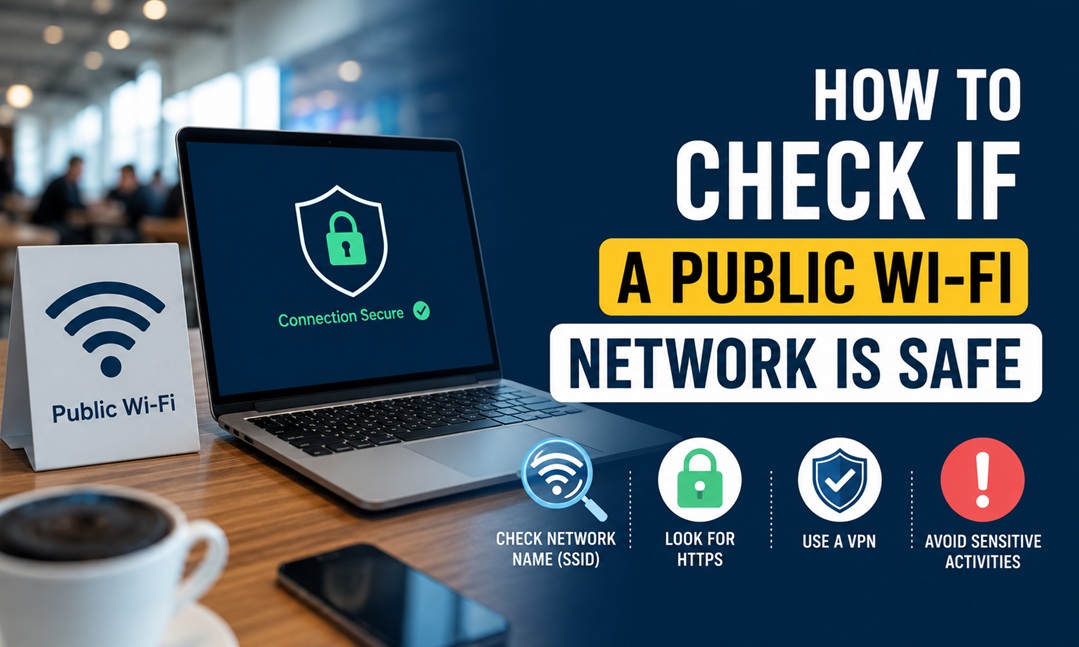
You can tell if public WiFi is reasonably safe by checking three things: the network name matches what the venue actually told you (not a similar-looking imposter), the connection requires a login or password rather than being fully open, and your traffic is encrypted — either through the site using HTTPS or through a VPN. No public WiFi is ever fully risk-free, but these checks rule out the most common scams.
“Is This Network Real?”
This is the most common worry, and for good reason — fake hotspots are one of the oldest tricks in the book. Scammers set up a network with a name nearly identical to the real one (“Starbucks WiFi” vs. “Starbucks-Free-WiFi” vs. “Starbucks_Guest”) hoping people connect to the wrong one without checking.
The fix is simple but easy to skip: ask an employee for the exact network name before connecting, every time, even at places you’ve visited before. Names sometimes change, and an attacker only needs you to guess wrong once.
“Can Someone See My Data on This Network?”
On an open network — one with no password at all — yes, in theory, someone on the same network with the right tools could intercept unencrypted traffic. This sounds scarier than it usually plays out in practice for casual browsing, but it becomes a real risk the moment you’re logging into anything sensitive: banking, email, or work accounts.
The single biggest protection here is whether the site itself uses HTTPS, shown by the padlock icon in your browser’s address bar. HTTPS encrypts the connection between you and that specific website, regardless of how trustworthy the WiFi network itself is. Most major websites use HTTPS by default now, but it’s worth a glance at the address bar before entering any password, especially on unfamiliar sites.
“Do I Need a VPN for Public WiFi?”
A VPN encrypts all your traffic, not just traffic to HTTPS sites, which adds a meaningful layer of protection on networks you don’t fully trust. It’s not strictly required for casual browsing on a network with a password and a legitimate login portal, but it becomes genuinely useful in two scenarios: open networks with no password at all, and any situation where you’re handling sensitive information — banking, work files, healthcare portals — away from home.
If you travel often or regularly work from coffee shops, a reputable paid VPN is a reasonable investment. Free VPNs are worth approaching cautiously, since some free services make money by logging and selling user data — the exact problem you’re trying to avoid in the first place.
Real-World Examples
*Airport WiFi:* Often has a login portal requiring an email address or room/flight confirmation. This isn’t strong security on its own, but it does at least filter out casual snooping. Avoid logging into banking apps on airport WiFi without a VPN if you can wait until you’re on a trusted connection.
*Coffee shop WiFi:* Usually password-protected, shared openly with customers (sometimes posted right on a chalkboard). The shared password doesn’t provide real security since anyone in the shop has it too — treat it the same as an open network for sensitive activity.
*Hotel WiFi:* Frequently requires a room number and last name to log in. Hotel networks have been a known target for attackers in the past specifically because guests assume they’re trustworthy. The same HTTPS and VPN rules apply here as anywhere else.
The Quick Safety Checklist
- Confirm the exact network name with staff before connecting
- Avoid networks with no password at all for anything beyond casual browsing
- Check for the padlock icon before entering any login information
- Turn off auto-connect to open networks in your phone’s settings
- Use a VPN for banking, work logins, or healthcare portals on any public network
- Log out of sensitive accounts when you’re done, rather than just closing the tab
Public WiFi isn’t inherently dangerous, but it does ask a little more vigilance than your home network, where you control who else is connected. A few seconds of checking before you log in anywhere sensitive covers most of the real risk, without requiring you to avoid public WiFi altogether.